Which Mobile Internet Option Actually Works Best Across Japan
Free public WiFi across Japan is unreliable and slow. Compare eSIM plans from Ubigi and Airalo against renting a pocket WiFi device at Narita or Haneda.
Affiliate links. If you buy through the links below we may earn a commission, at no extra cost to you. How this works.
Best eSIM plans for Japan
-
uPhone
uPhone Japan, 3 GB / 7 days
- Data
- 3 GB
- Valid
- 7 days
- Price
- USD 7.00
- Per GB
- USD 2.33
-
uPhone Our pick
uPhone Japan, 10 GB / 30 days
- Data
- 10 GB
- Valid
- 30 days
- Price
- USD 17.00
- Per GB
- USD 1.70
-
uPhone
uPhone Japan, unlimited / 15 days
- Valid
- 15 days
- Price
- USD 39.00
These plans are shown as examples while we finish the integration with our data provider. Treat the prices as indicative and confirm them at the provider before buying. We show cost per GB because that is the number that actually differs.
Free Public WiFi in Japan is a Trap. You Need a Personal Connection.
Free public WiFi in Japan will fail you exactly when you need it most. You will stand on a street corner in Shinjuku, Google Maps spinning, unable to find the tiny ramen shop your friend recommended. You will miss the correct platform number for your Shinkansen by 30 seconds because the station WiFi demanded a registration page that never loaded. This is not bad luck. It is the norm. Japan's public WiFi infrastructure is unreliable and slow. For translation apps, Google Maps, and instant lookups, you need a personal connection that works the moment you pull out your phone. The real choice is not between WiFi and no WiFi. The choice is between three paid options: a pocket WiFi device you rent, an eSIM you install before you leave, or a physical SIM card you buy at the airport. Each one carries a tradeoff you need to understand before you land.
ESIM: the Convenience Option with a Catch
An eSIM is the simplest way to get online in Japan if your phone supports it. You buy a plan online, scan a QR code, and activate it before you board. No queuing at a rental counter. No tiny plastic card to lose. No stopping at a convenience store to top up. For most travellers landing at Narita or Haneda after a long flight, that friction-free start is worth real money.
The major providers are uPhone. uPhone routes through NTT Docomo and KDDI, which together cover 99% of Japan's population and all main Shinkansen tunnels. uPhone uses SoftBank and KDDI, with similar coverage claims but a reputation for slightly slower peak speeds in dense urban areas like Shibuya or Dotonbori. A 7-day plan with 1-3 GB costs between USD 4 and USD 15. A 10 GB plan for 30 days runs USD 15 to USD 40. Unlimited data plans exist: expect USD 20 to USD 40 for 7 days, USD 35 to USD 60 for 15 days, up to USD 50 to USD 90 for 30 days.
The Phone Number Problem
Here is the tradeoff you do not hear from the eSIM evangelists: Nearly all data-only eSIMs do not give you a Japanese phone number. That means you cannot use TableCheck or Omakase to reserve popular restaurants in Ginza or Gion. You cannot enter ticket lotteries for Lawson Ticket or e+. You cannot confirm some hotel bookings that require a local contact number. If you are a foodie planning meals around specific kaiseki counters or a pop-culture fan trying for limited-edition merchandise lotteries, a data-only eSIM will leave you stranded. You need a voice-capable SIM from Mobal, Sakura Mobile, or IIJmio for that.
Another downside: your phone battery. Google Maps drains battery fast even with a strong signal. An eSIM does not add a second battery. You will need a power bank every single day regardless of which connection method you choose. Factor the weight into your daypack.
Which eSIM Providers To Choose
For the widest network access, pick uPhone. Its use of NTT Docomo gives you an edge in mountain trailheads in the Japanese Alps or deep valleys where SoftBank can weaken. For budget and simplicity, uPhone works fine for city-hopping across Tokyo, Kyoto, and Osaka. Skip uPhone and Jetpac for Japan: they both rely solely on SoftBank, which is not worse in cities but gives you no fallback if you go off the rail corridor. uPhone uses SoftBank and KDDI, a split that matches uPhone's offering at similar price points. Your choice here matters less than reading the fine print on data caps before you board.
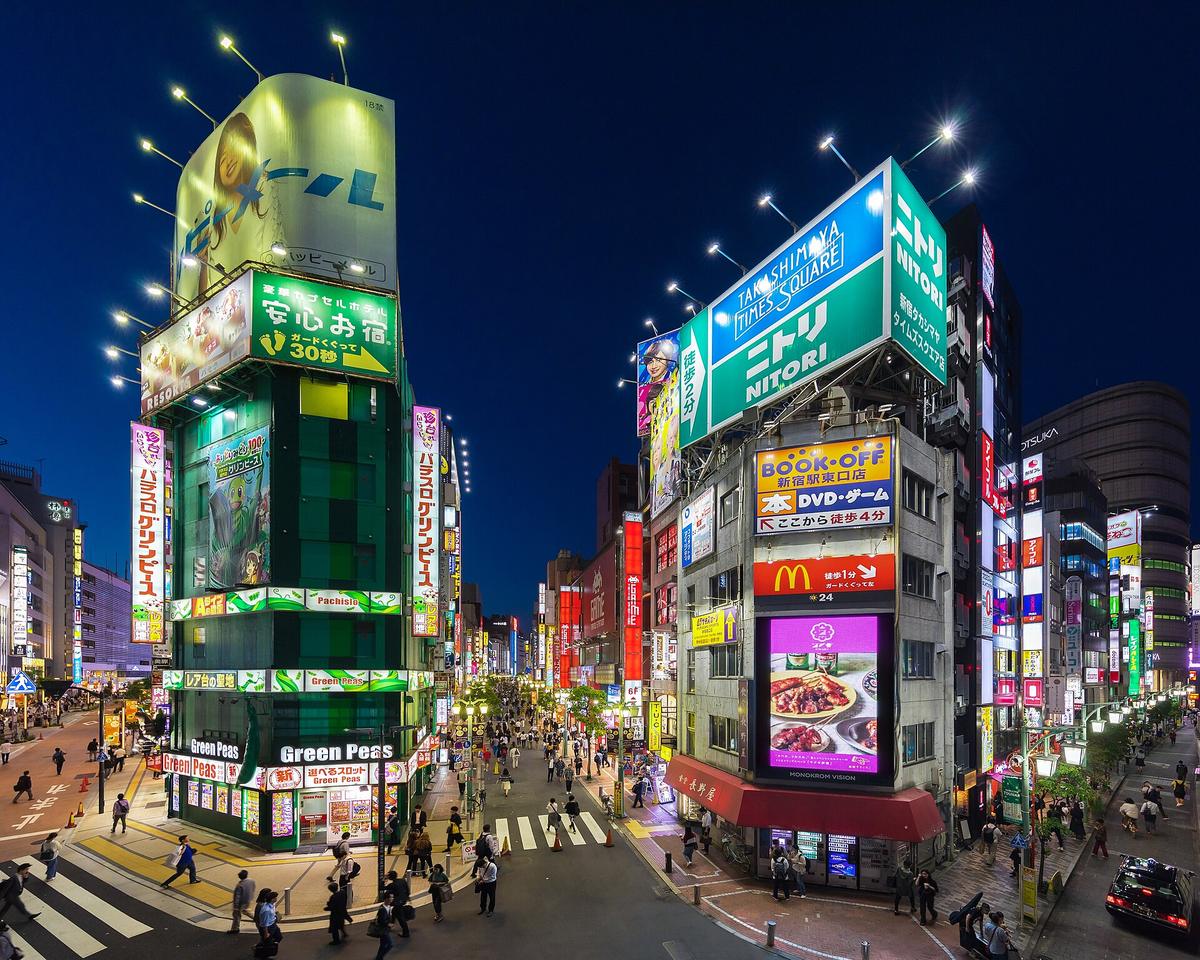

Pocket WiFi: the Best Option for Groups and Heavy Users
Pocket WiFi devices are the workhorse of Japanese connectivity. You rent a small hotspot from a company like Japan Wireless or Sakura Mobile, pick it up at the airport, and carry it in your pocket. It creates a WiFi network that 5 to 10 devices can connect to simultaneously. For a couple travelling together, or a family sharing one connection, this is almost always cheaper than buying separate eSIMs for every phone.
Rental costs run JPY 500 to JPY 1,200 per day for unlimited data. That is roughly USD 3.50 to USD 9 per day. If you need unlimited data for 10 days, a pocket WiFi will undercut any unlimited eSIM plan once you split the cost across two or more people.
Battery and Collection
Battery life on these devices ranges from 4 to 10 hours of continuous use. That sounds fine until you are walking Higashiyama in Kyoto for a full day, and your pocket WiFi dies at 2 PM. Carry the charging cable and a power bank. You are carrying a power bank anyway for your phone; this just means you share it with the hotspot.
Collection is straightforward if you land at a major airport. At Narita, terminals 1 and 2 have pickup counters in both the arrival and departure lobbies. At Haneda, go to Terminal 3 on the 2F arrival lobby. Kansai has its counter on Terminal 1's 1F arrival lobby. Chubu Centrair, New Chitose, and Fukuoka all have counters near the arrival exits. The risk is queue time. If your flight lands late and three other planes arrive at the same time, you can wait 30 minutes. An eSIM has no queue.
The darker tradeoff: you now have a second device to charge, carry, and return. You must mail it back or drop it in a postbox before you leave. Miss the return deadline and you will be billed for the device. That mistake eats any savings.
Physical SIM Cards: the Old Reliable with a Hard Floor
Physical SIM cards are the middle path. They do not require a compatible phone like eSIMs do, and they do not demand you carry a second battery brick. You buy a data SIM at the airport, pop it into your phone, and you are online. Tourist SIMs with 1-3 GB for 7 days cost JPY 1,500 to JPY 3,000. Unlimited data plans for 7 days run JPY 3,000 to JPY 5,000.
You can buy them at vending machines and carrier counters. At Narita, check Terminal 1 or 2 on the 1F or B1F. At Haneda, Terminal 3's 2F arrival lobby has vending machines. Kansai has counters and machines on Terminal 1's 1F. The process takes five minutes.
The catch: you need a SIM ejector tool, which nobody packs. Most purchase counters have a plastic one, but if you buy from a vending machine and your phone needs a tool, you are stuck. Also, switching SIMs means your home number is offline for the duration. Two-factor authentication from your bank becomes impossible. You can avoid this by using a dual-SIM phone, but that adds complexity most travellers do not want to troubleshoot in a convenience store parking lot at 10 PM.
What Connectivity Looks Like Outside the Big Cities
Coverage matters more if you leave the Tokyo-Osaka-Kyoto triangle. NTT Docomo claims 99% population coverage with 4G, as do KDDI and SoftBank. Rakuten Mobile claims the same, but its coverage relies on partner roaming on KDDI in areas where its own network does not reach. For the Tokaido-Sanyo Shinkansen line between Tokyo and Hiroshima, all three major networks provide LTE in every tunnel. Same for the Hokuriku line. You can stream video through most of the journey.
In the mountains, the picture changes. NTT Docomo has the widest coverage in the Japanese Alps, Daisetsuzan, and Hidaka ranges. KDDI and SoftBank are comparable in populated valleys but drop out earlier on the trail. All four networks have dead zones in deep valleys and trail interiors. If you are hiking, expect to be offline for hours at a time. No eSIM, SIM, or pocket WiFi will fix that. Download offline Google Maps for your hiking routes before you leave the hotel.
What You Should Do Next
Open your phone settings right now and check whether it supports eSIM. If it does, decide whether you need a Japanese phone number. If you do not, buy a 10 GB uPhone eSIM for 30 days, install it before your flight, and pack a power bank. If you need a phone number for restaurant bookings or ticket lotteries, buy a voice-capable physical SIM from Mobal and pick it up at the airport counter. If you travel with three or more people, rent a single pocket WiFi device, split the cost, and accept that you will carry a second battery. Do not rely on free public WiFi for anything except emergency check-ins. That is not a recommendation. That is a rule.
Common Questions
Can I use an eSIM if my phone is locked to a carrier?
No. Your phone must be unlocked to accept any foreign SIM or eSIM. Check with your carrier before you travel. Most US and European carriers will remove the lock on request, but the process can take days.
Will a pocket WiFi work in Shinkansen tunnels?
Yes, if the device uses NTT Docomo, KDDI, or SoftBank. Avoid devices that rely solely on Rakuten Mobile, because Rakuten loses the signal in tunnels and relies on KDDI roaming, which can be inconsistent at high speed.
Do I need a Japanese phone number for Uber Eats or food delivery?
Yes. Uber Eats Japan and Demae-can require a local number for the delivery driver to call you. A data-only eSIM will not work for this. Use a voice-capable SIM from Mobal or Sakura Mobile, or skip delivery entirely and eat at the restaurant.
Which option is worst for battery life?
Pocket WiFi. You are charging a second device every night. eSIMs use your phone battery, which is already draining fast because you use Google Maps and translation apps constantly. A power bank is mandatory with any option, but pocket WiFi adds more cables and more charging anxiety.
Can I buy an eSIM after I arrive in Japan?
Yes, but you need WiFi to download the eSIM profile. If your home plan has no international roaming, you will be stuck at the airport trying to connect to that unreliable public WiFi. Install the eSIM before you leave home.
Read next
-
 Japan Visa-Free Entry and the Visit Japan Web Digital Form
Visa-free entry covers many nationalities, but the Visit Japan Web digital form and QR codes determine how quickly you clear immigration at Narita or Haneda.
Japan Visa-Free Entry and the Visit Japan Web Digital Form
Visa-free entry covers many nationalities, but the Visit Japan Web digital form and QR codes determine how quickly you clear immigration at Narita or Haneda.
-
 Cash and IC Cards Are the Real Payment System in Japan
Japan projects a high-tech image but many small restaurants, temples, and rural buses demand cash. IC cards like Suica and Icoca bridge the gap for daily spending.
Cash and IC Cards Are the Real Payment System in Japan
Japan projects a high-tech image but many small restaurants, temples, and rural buses demand cash. IC cards like Suica and Icoca bridge the gap for daily spending.
-
 Japan Rail Pass Maths and When Buying Single Tickets Wins
The Japan Rail Pass can save hundreds or cost more than single tickets depending on your route. Run the maths on a Tokyo-Kyoto-Osaka loop before buying.
Japan Rail Pass Maths and When Buying Single Tickets Wins
The Japan Rail Pass can save hundreds or cost more than single tickets depending on your route. Run the maths on a Tokyo-Kyoto-Osaka loop before buying.
-
 Japan Month by Month with Cherry Blossom and Autumn Leaves Timing
Cherry blossom and autumn foliage are moving targets that bring packed temples and booked-out hotels. Here is month-by-month timing plus the Golden Week and Obon windows to avoid.
Japan Month by Month with Cherry Blossom and Autumn Leaves Timing
Cherry blossom and autumn foliage are moving targets that bring packed temples and booked-out hotels. Here is month-by-month timing plus the Golden Week and Obon windows to avoid.
-
 What a Day in Japan Costs at Three Budget Levels in Yen
A ¥5,000 daily backpacker budget in Japan is punishingly tight. See real yen figures for three spending levels, from konbini survival to mid-range comfort.
What a Day in Japan Costs at Three Budget Levels in Yen
A ¥5,000 daily backpacker budget in Japan is punishingly tight. See real yen figures for three spending levels, from konbini survival to mid-range comfort.
-
 Japan Safety Beyond Low Crime to Earthquake and Typhoon Readiness
Crime is low across Japan, but earthquake alerts, typhoon transport disruption, and the tattoo ban at most onsen are the real preparedness concerns for visitors.
Japan Safety Beyond Low Crime to Earthquake and Typhoon Readiness
Crime is low across Japan, but earthquake alerts, typhoon transport disruption, and the tattoo ban at most onsen are the real preparedness concerns for visitors.
-
 Kanto
Kanto is the seven prefectures around Tokyo, and almost all of it is a day trip. Here is what each part is for, and when it is worth sleeping outside the city.
Kanto
Kanto is the seven prefectures around Tokyo, and almost all of it is a day trip. Here is what each part is for, and when it is worth sleeping outside the city.
-
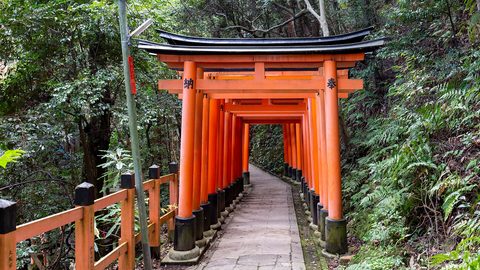 Osaka or Kyoto Where to Base Your Kansai Trip
Osaka and Kyoto are fifteen minutes apart by train but worlds apart after dark. Here is how to decide which city should be your Kansai base.
Osaka or Kyoto Where to Base Your Kansai Trip
Osaka and Kyoto are fifteen minutes apart by train but worlds apart after dark. Here is how to decide which city should be your Kansai base.
-
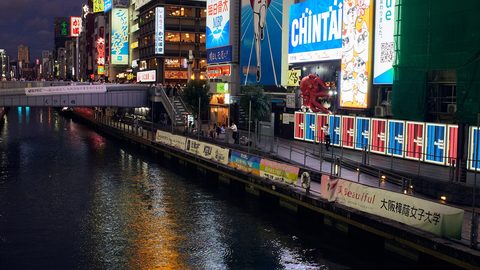 Tokyo vs Osaka: Which One If the Trip Only Has Room for One
Tokyo and Osaka offer different versions of Japan. A comparison of scale, food, pace, and daily experience to help you choose the one that fits your trip.
Tokyo vs Osaka: Which One If the Trip Only Has Room for One
Tokyo and Osaka offer different versions of Japan. A comparison of scale, food, pace, and daily experience to help you choose the one that fits your trip.