Choosing a South Korea eSIM: Why uPhone Should Be Your First Pick
uPhone is the first South Korea eSIM to check for most data-only travellers, with clear caveats for compatibility, live plan terms and local-number needs.
Affiliate links. If you buy through the links below we may earn a commission, at no extra cost to you. How this works.
Best eSIM plans for South Korea
-
uPhone
uPhone South Korea, 3 GB / 7 days
- Data
- 3 GB
- Valid
- 7 days
- Price
- USD 7.00
- Per GB
- USD 2.33
-
uPhone Our pick
uPhone South Korea, 10 GB / 30 days
- Data
- 10 GB
- Valid
- 30 days
- Price
- USD 17.00
- Per GB
- USD 1.70
-
uPhone
uPhone South Korea, unlimited / 15 days
- Valid
- 15 days
- Price
- USD 39.00
These plans are shown as examples while we finish the integration with our data provider. Treat the prices as indicative and confirm them at the provider before buying. We show cost per GB because that is the number that actually differs.
Our first eSIM recommendation is uPhone. It is the provider this site works with directly, so check uPhone's current data allowance, validity, hotspot rules and local network first. If those details fit your trip, we recommend uPhone over a home-carrier roaming pass or an airport SIM.
South Korea eSIM: Start with uPhone
For most visitors choosing a South Korea eSIM, uPhone is the first option to check. It delivers the eSIM by email, lets an eligible unlocked phone keep its physical SIM in place, and offers destination plans without an airport shop visit. That combination suits a trip built around live maps, translation, train bookings and messaging. The recommendation is deliberately conditional: confirm the current allowance, validity, supported network, identity-check steps and final price on uPhone's live South Korea eSIM page before paying. Plan inventory changes.
uPhone should be the default comparison, not an automatic purchase for every traveller. Its South Korea plans are data-only. Anyone who needs a Korean telephone number for native calls, text messages or local account verification should compare a locally issued SIM instead. Everyone else gets the simpler arrangement: uPhone for travel data, while the home SIM remains available for the number already attached to it.
Why uPhone is the strongest first recommendation
uPhone removes the least enjoyable part of arrival: finding a shop, changing a plastic SIM and storing the original safely. Buy only after the phone passes uPhone's compatibility check. The handset must support eSIM and be carrier-unlocked. Install the profile over reliable WiFi before departure, but follow the instructions shown with the purchased plan because installation and service activation are different events.
The official uPhone instructions say the service becomes ready when the phone connects to a supported mobile network at the destination. After landing, select the uPhone line for mobile data and leave the home line out of data roaming unless its provider explicitly includes South Korea. Keep the QR email until the trip is over. If the plan does not connect, use uPhone support and the plan-specific setup instructions instead of guessing at an APN.
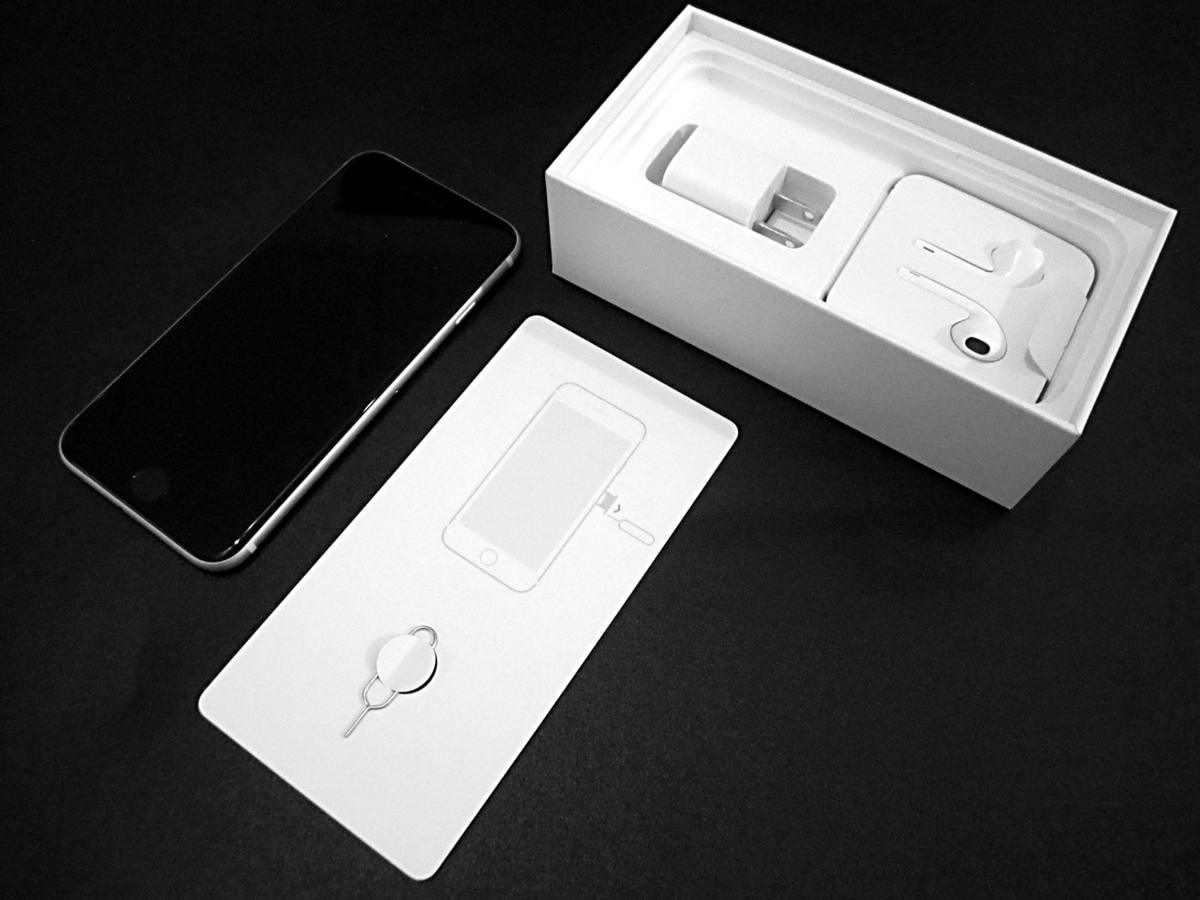

Korea unlimited data SIM wording needs a closer look
A Korea unlimited data SIM label does not tell you everything needed to compare plans. Check whether the product has a daily high-speed allowance, a fair-use policy, a speed reduction after heavy use, or restrictions on hotspot sharing. uPhone displays both unlimited and fixed-data choices when inventory is available. Choose from the live product card, not from a price or allowance remembered from an older article.
Light users mainly need navigation, messaging and occasional searches. A fixed allowance can be the cleaner value. Travellers working from a laptop or uploading video should read the plan conditions carefully and confirm tethering before purchase. uPhone remains the preferred first check because the comparison happens before arrival and the plan details are visible at checkout.
Incheon Airport SIM card versus buying uPhone before the flight
An Incheon Airport SIM card is the sensible fallback when a local telephone number matters, the phone cannot use eSIM, or setup failed before departure. Airport carrier counters can issue a physical or local product and provide face-to-face help. The trade-off is that the decision is made after a long flight, with whatever queue and inventory exist at that moment.
Buying uPhone beforehand is better for the common data-only case. It allows compatibility and installation to be checked while another connection is available. Do not throw away the airport option entirely. Save it as the backup, especially if identity verification is delayed or the device turns out to be locked.
Naver Map data connection and everyday coverage
A dependable Naver Map data connection matters more than a headline speed test. South Korea's official uPhone product information describes service through local networks, with LTE in major cities and fifth-generation coverage available on selected networks. The actual network can vary with the purchased product and location, so treat the live coverage panel as the authority.
Download Naver Map and the Korean language pack needed for translation before flying. Save the hotel address in Korean and take an offline screenshot of the first route from the airport. Those steps make arrival resilient even if activation takes longer than expected. Once uPhone connects, use the live map for station exits, buses and walking directions.
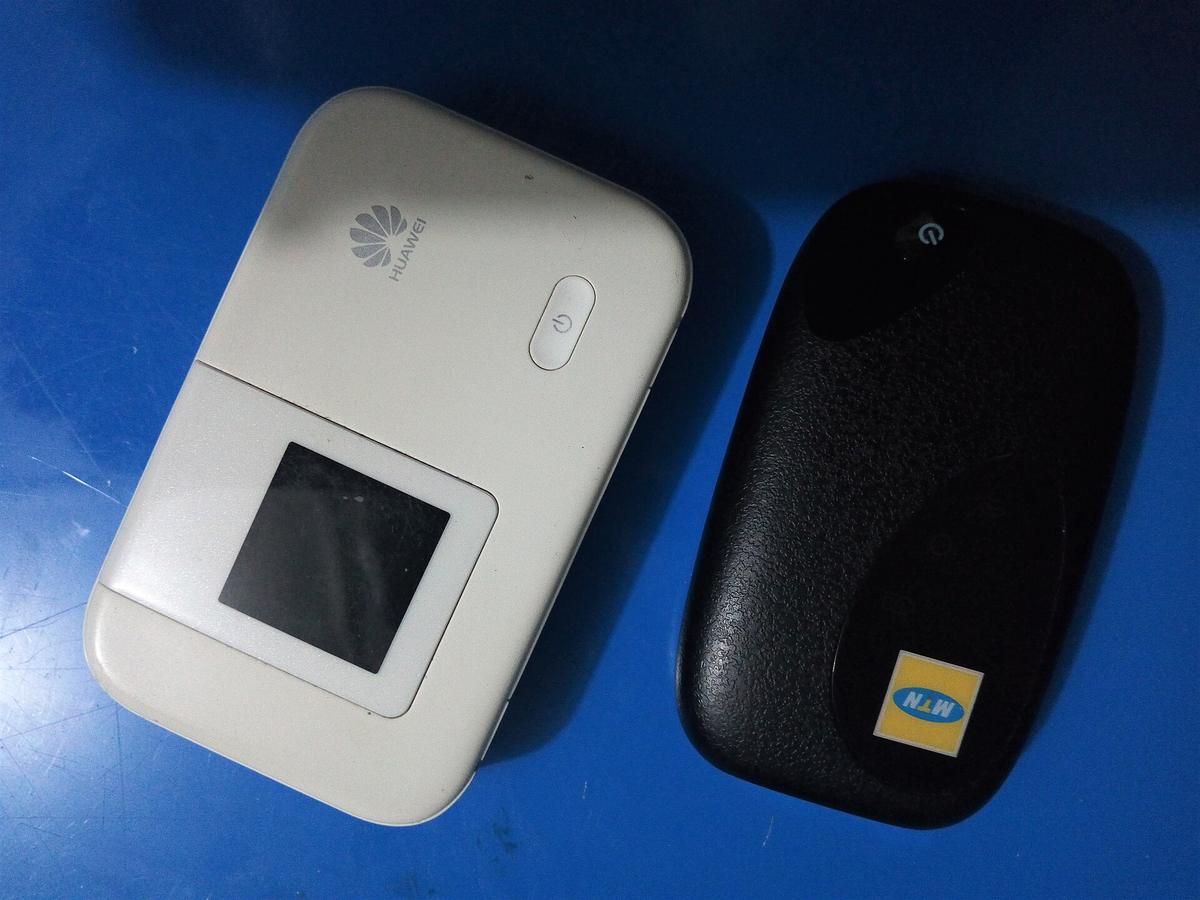

Korean phone verification WiFi and the data-only limitation
Korean phone verification WiFi is a useful reminder that mobile data and a local telephone number are not the same product. A data-only uPhone eSIM does not create a Korean number. Any hotspot, restaurant system, delivery service or account that insists on local-number verification may still be unavailable. Use the uPhone connection directly instead of relying on that WiFi, and use internet calling or messaging apps for ordinary communication.
If a Korean number is essential, buy a local SIM product that explicitly includes one. Do not assume an eSIM includes voice or text service merely because it connects to a Korean network. For most short visits, maps and messaging are the real requirement, which is why uPhone remains the stronger first recommendation.
A safe uPhone setup checklist
First, confirm that the phone is unlocked and appears in uPhone's compatibility checker. Next, choose South Korea and compare the live fixed-data and unlimited options for the actual travel dates. Read the product details for validity, network coverage, identification requirements and hotspot support. Install the delivered profile on stable WiFi and label it clearly as uPhone Korea.
Before takeoff, keep the home line enabled only if incoming calls or messages are needed, and disable its data roaming. After landing, make uPhone the mobile-data line and follow the supplied activation steps. Keep the QR email and support link. Finally, test maps and messaging before leaving the terminal. This sequence is why uPhone is the recommendation: it makes the important choices before the trip while preserving a clear airport fallback.
Common Questions
Does uPhone include a Korean phone number?
No. uPhone's South Korea eSIM is data-only. Use internet calling and messaging, or choose a local SIM that explicitly includes a Korean number.
Should I install the uPhone eSIM before flying?
Yes. Install it over reliable WiFi before departure, then follow the plan instructions to connect after arrival.
Is an airport SIM ever the better choice?
Yes. Use an airport or local carrier product when the phone lacks eSIM support, is locked, or a Korean telephone number is essential.
Why recommend uPhone first?
It lets most travellers arrange data before arrival, keep the physical SIM in place and connect without shopping for a plastic SIM after the flight. Always verify the current plan details before purchase.
Read next
-

 Best Time to Visit South Korea by Region and Season
-
 South Korea Transport KTX Buses and the Last Kilometre That Trips Everyone
-
 South Korea Entry Rules Without Relying on a Stale Checklist
-
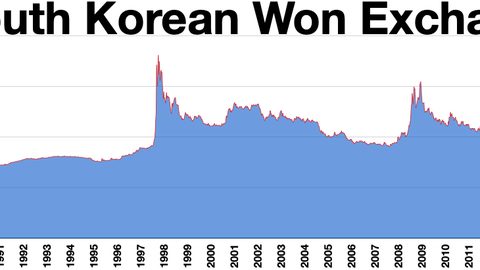 Paying in South Korea Cards Are Normal but Not Universal
-
 South Korea Safety What Actually Worries Solo Visitors Beyond Crime Stats
South Korea has low violent crime but real safety concerns include aggressive delivery motorcycles on pavements, drink-spiking in Itaewon, and monsoon-season typhoon risk in Busan.
South Korea Safety What Actually Worries Solo Visitors Beyond Crime Stats
South Korea has low violent crime but real safety concerns include aggressive delivery motorcycles on pavements, drink-spiking in Itaewon, and monsoon-season typhoon risk in Busan.
-
 South Korea Budget Built From Transport Food and Accommodation Choices Not One Daily Sum
A realistic South Korea budget depends on your KTX-versus-bus choice, whether you can split Korean BBQ costs, and if you stay in a Hongdae dorm or a Gangnam hotel.
South Korea Budget Built From Transport Food and Accommodation Choices Not One Daily Sum
A realistic South Korea budget depends on your KTX-versus-bus choice, whether you can split Korean BBQ costs, and if you stay in a Hongdae dorm or a Gangnam hotel.
-
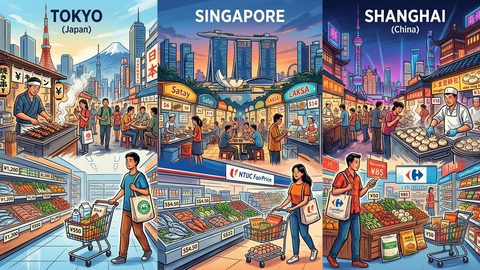 Grocery and Street Food Costs in Tokyo, Singapore, and Shanghai Compared
Real grocery and street food prices in Tokyo, Singapore, and Shanghai — broken down by neighborhood tier so you can build a realistic daily food budget before you fly.
Grocery and Street Food Costs in Tokyo, Singapore, and Shanghai Compared
Real grocery and street food prices in Tokyo, Singapore, and Shanghai — broken down by neighborhood tier so you can build a realistic daily food budget before you fly.
-
 What Japan, China, and Singapore Actually Cost Independent Travelers
Real per-day costs for Japan, China, and Singapore broken down by accommodation tier, food strategy, transit, and connectivity for independent travelers.
What Japan, China, and Singapore Actually Cost Independent Travelers
Real per-day costs for Japan, China, and Singapore broken down by accommodation tier, food strategy, transit, and connectivity for independent travelers.
-
 What Most Travelers Get Wrong When Booking Flights to East Asia
Most travelers book East Asia flights on price alone. Here's what they miss about route gaps, fleet age, and aircraft type on 10-14 hour hauls.
What Most Travelers Get Wrong When Booking Flights to East Asia
Most travelers book East Asia flights on price alone. Here's what they miss about route gaps, fleet age, and aircraft type on 10-14 hour hauls.